
Test environment:
Browser: Edge, Chrome, Firefox
Operating system: Windows 11
Problem Description:
Website: https://www.zhihuilib.com/, there is no violation, no message from the cooperative norms center, can ensure that the advertising code is correctly added without error, from October 2023 onwards in mainland China PC can not display ads (but mobile occasionally can be displayed normally), non-mainland China PC and mobile are displayed normally, has been Confirmed that it has nothing to do with the problem of being affected by Google's privacy message fundingchoicesmessages.google.com as mentioned on the web.
- Checked if it was due to the addition of privacy and message related code (https://fundingchoicesmessages.google.com/), which was found not to be the case.
- Check whether it is due to the wrong code added, upon checking there is not, because it can be displayed normally through scientific internet access (non-Chinese mainland environment).
- We tried to delete the website in AdSense and re-added it, and the problem remained the same after the audit, and the ads still could not be displayed.
- Check if there is a breach of contract in the cooperation specification center, after checking there is not.
- Check if there is any problem with our local network, but it is not because the ads can not be displayed in multiple network environments (including multiple carriers) in China.
- Troubleshooting local DNS is not a problem, there is no DNS pollution.
- Another thing: Before September 2023, the ads could not be displayed in mainland China because the privacy feature was turned on, then the privacy feature was deleted and the ads were displayed normally in mainland China for about a week, and then they have not been displayed since then.
The following information is related to accessing the website in the mainland China environment:
IP Address: 119.102.249.17 (Attribution: Yichang City, Hubei Province)
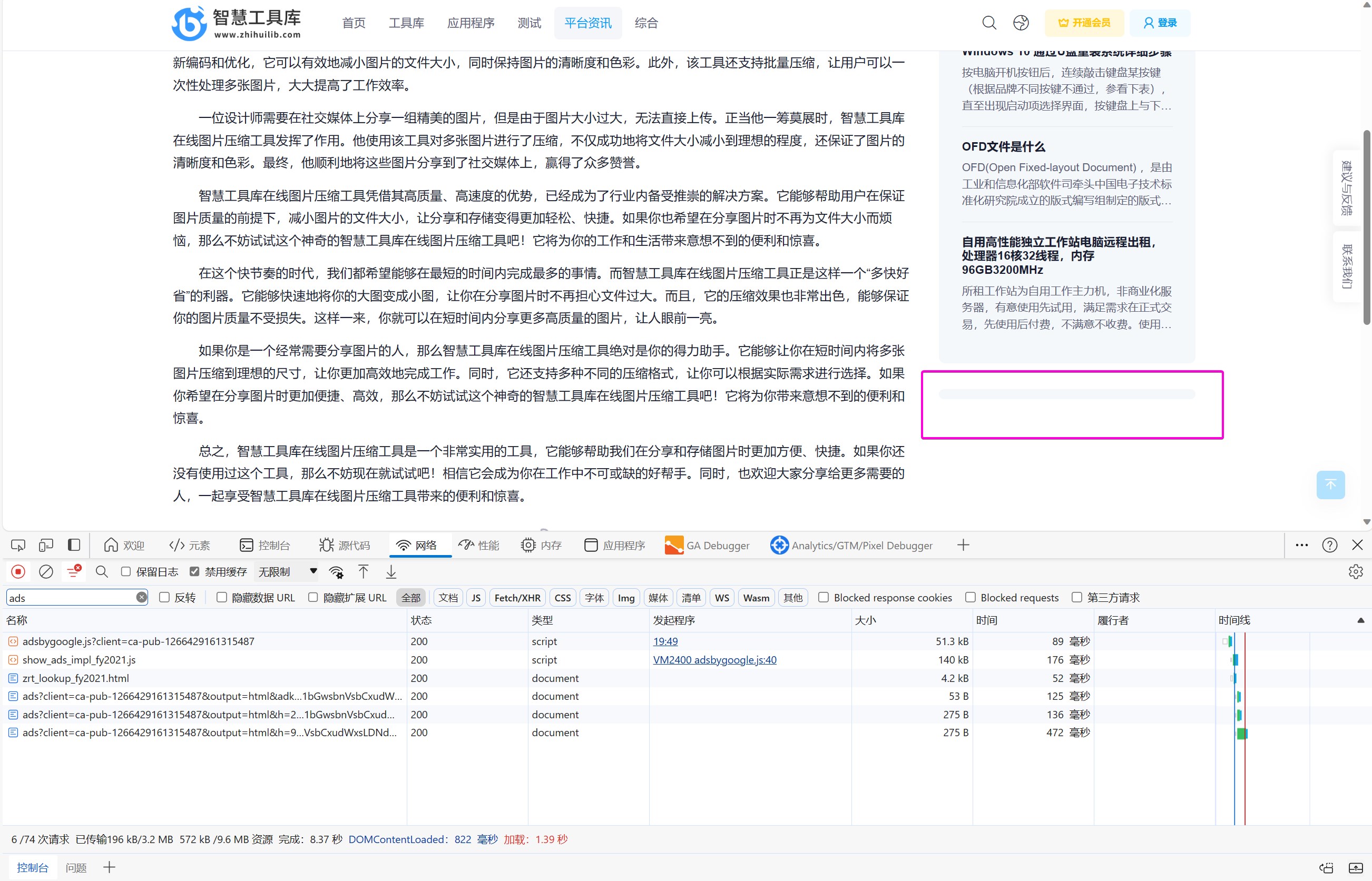
Test address: https://www.zhihuilib.com/general/imagecompress
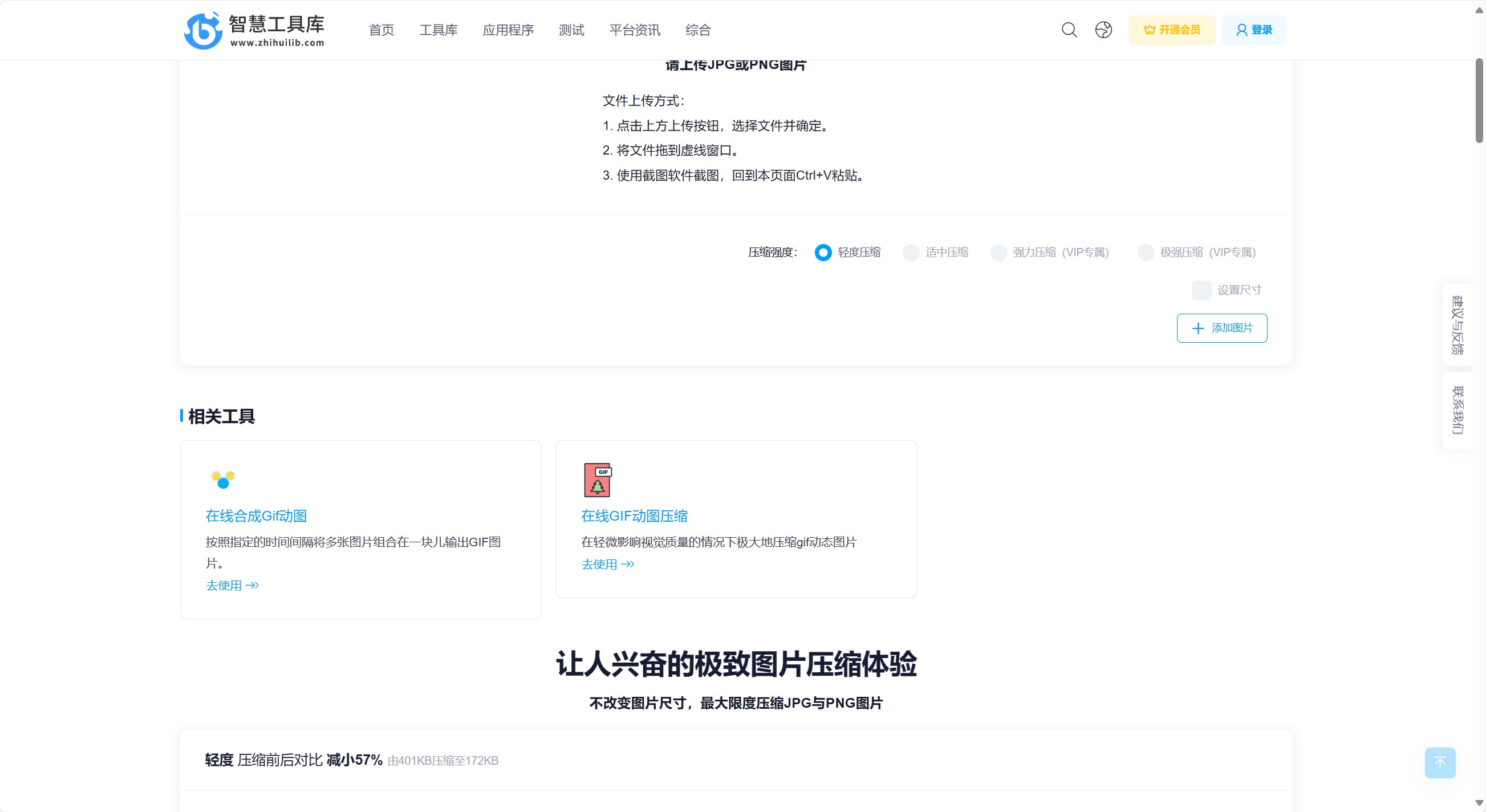
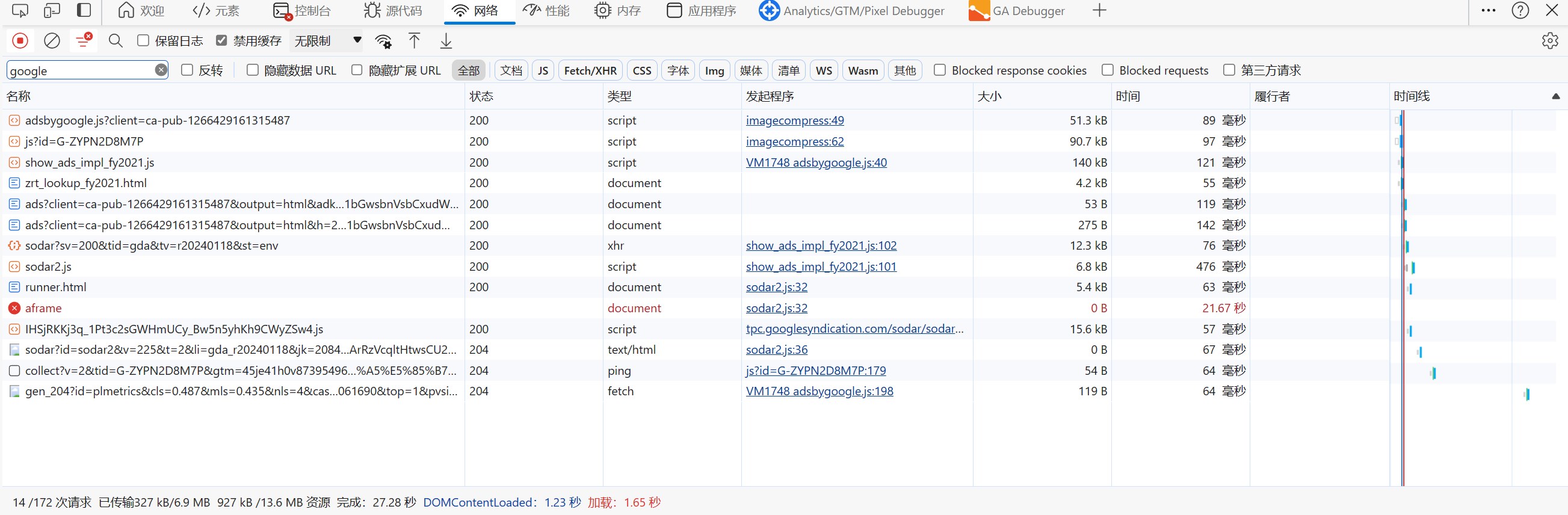
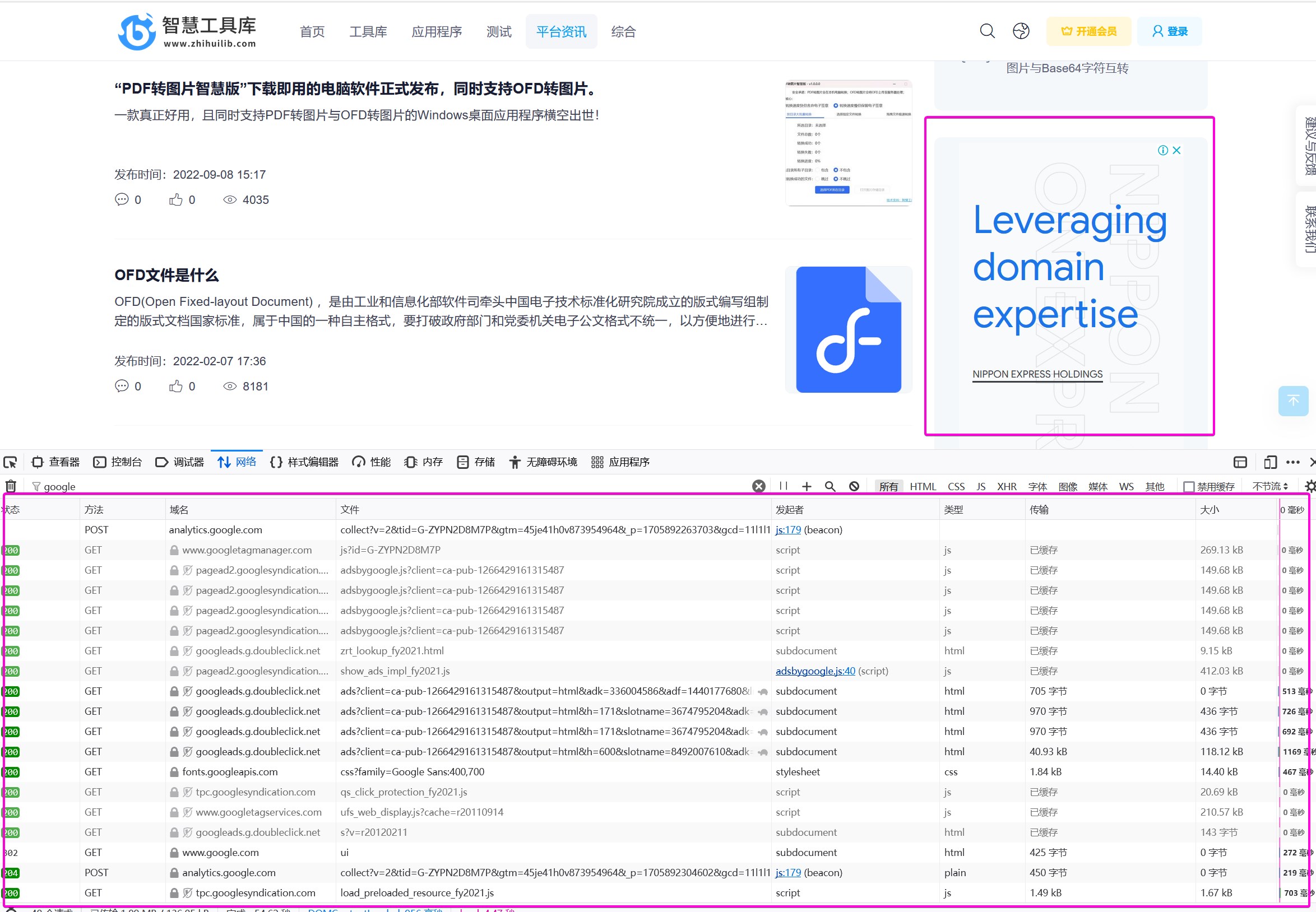
Through the above visit, screening contains google's request, found that"https://www.google.com/recaptcha/api2/aframe" no response
Test address: https://www.zhihuilib.com/article/list/2
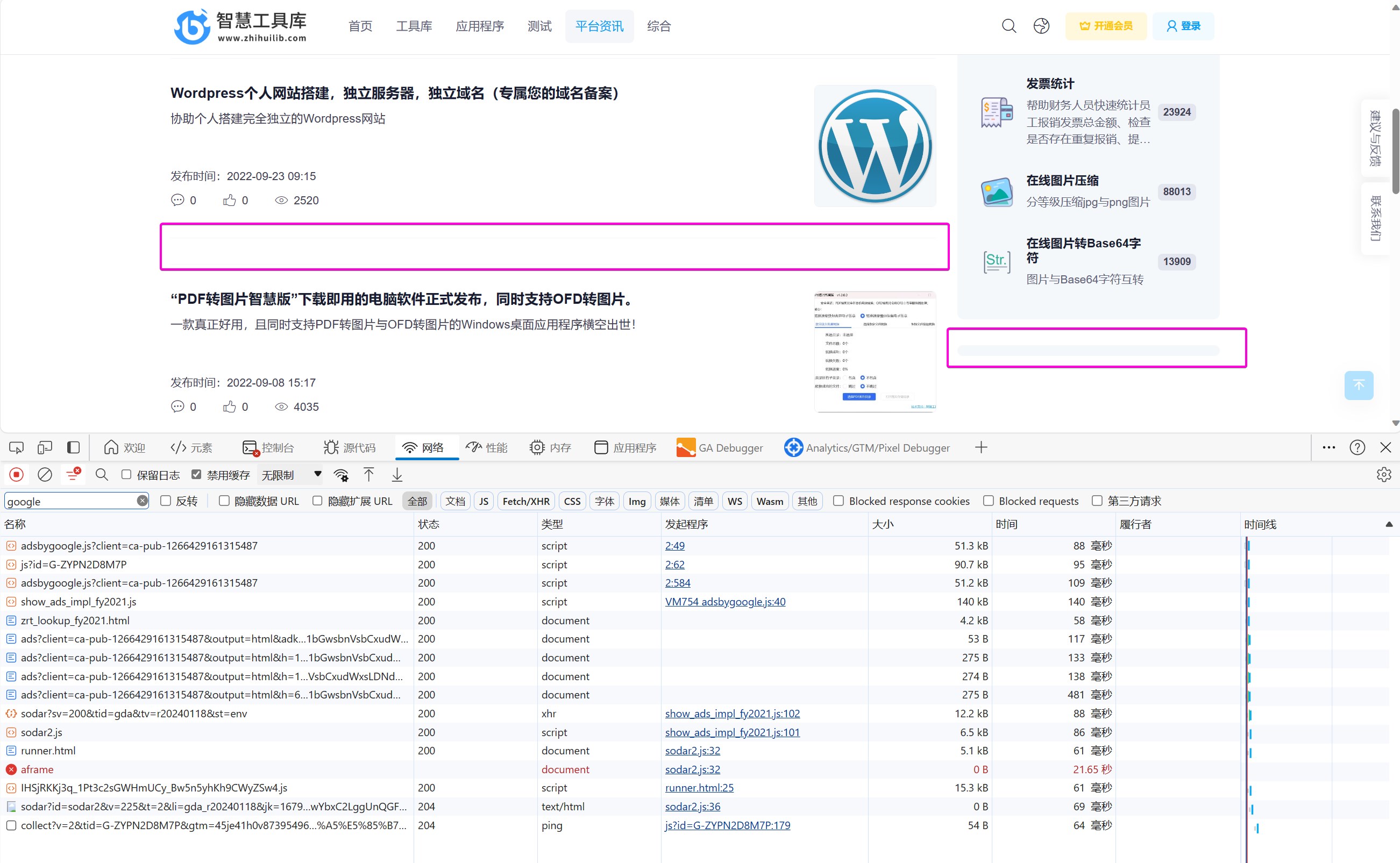
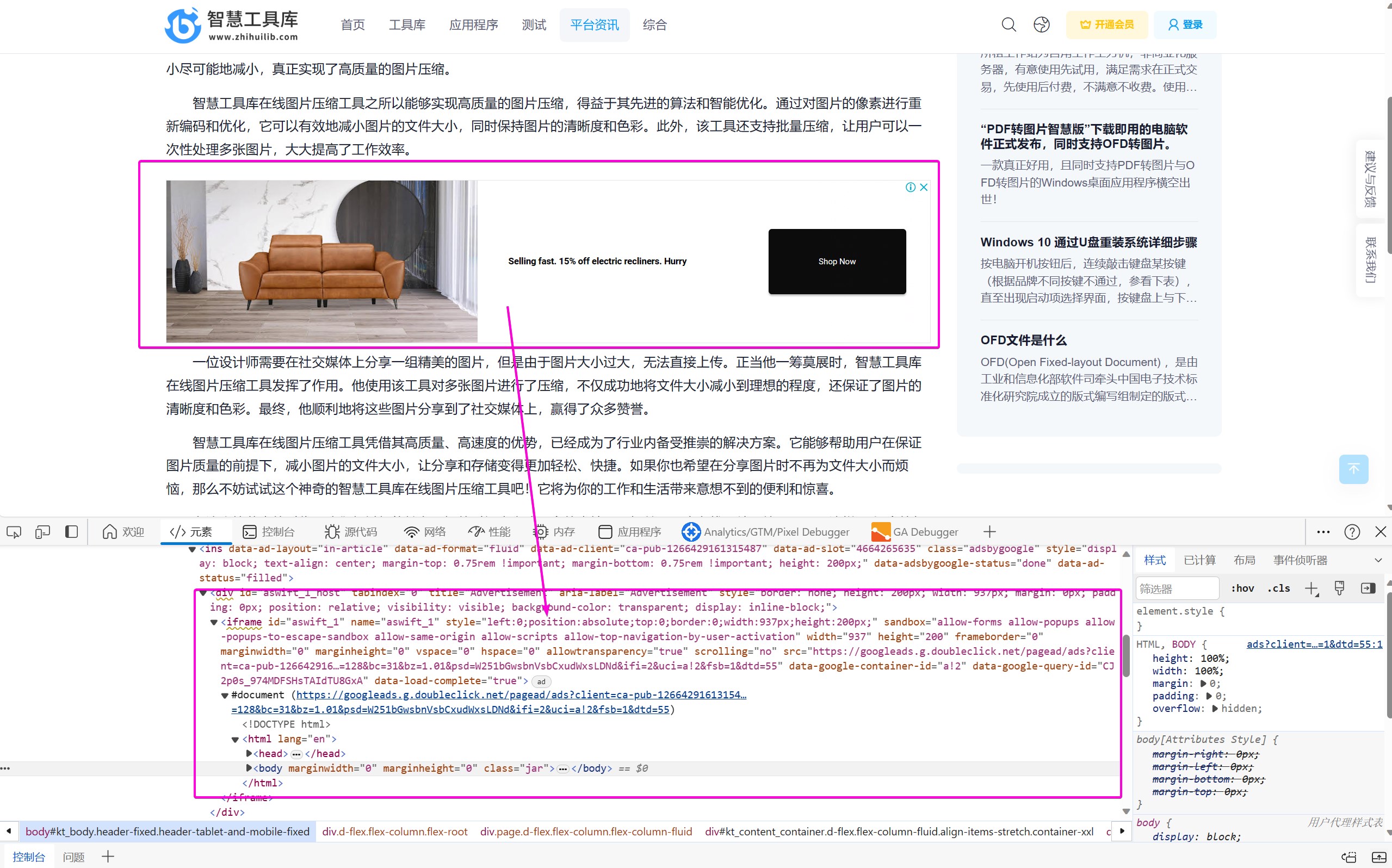
The following figure shows the parsed advertisement placeholder code as seen by looking at the source code
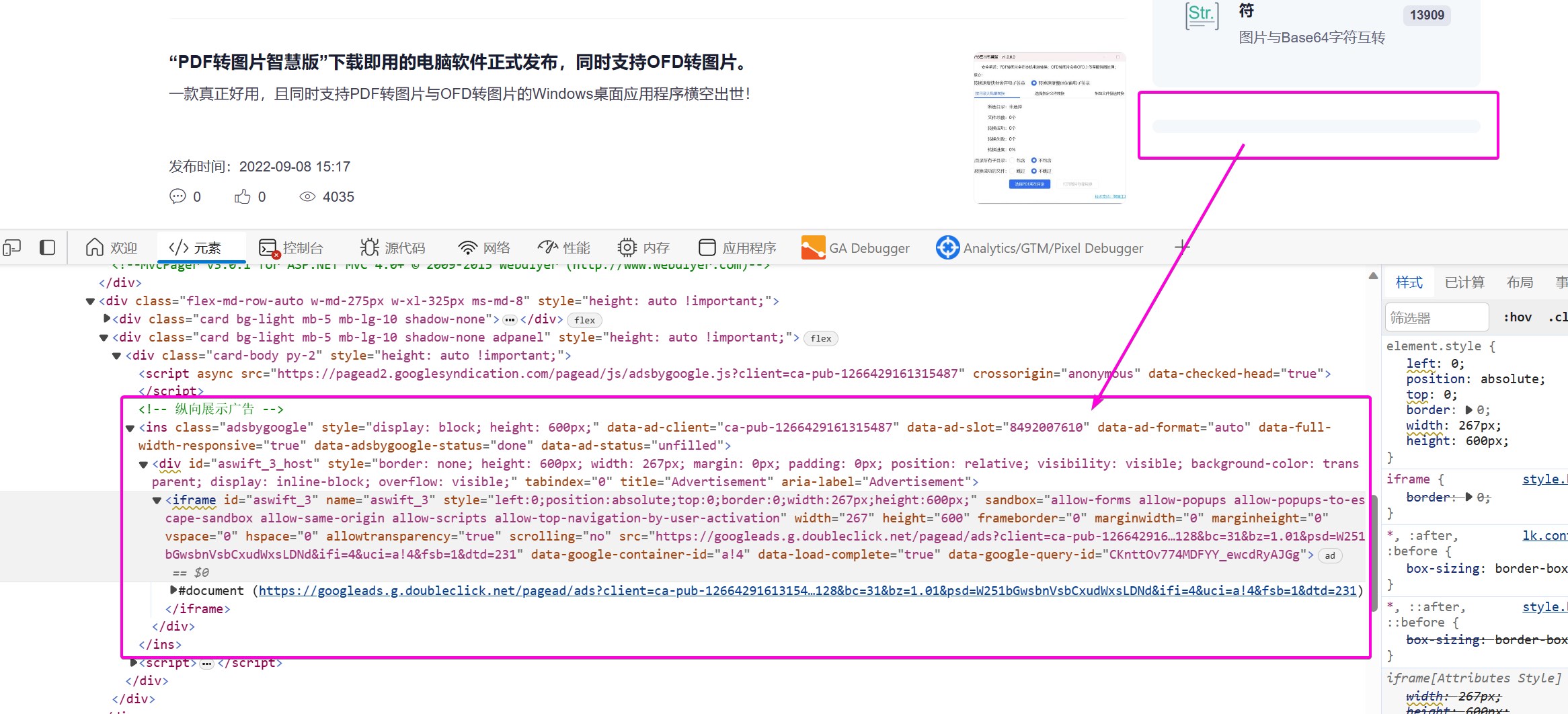
Test address: https://www.zhihuilib.com/article/detail/2/19

The following information is related to accessing the website in a scientific Internet (non-Chinese mainland network) environment:
The following information is related to accessing the website in a scientific (non-Chinese mainland network) environment:
The following information is for accessing the website in a scientific Internet (non-Chinese mainland network) environment:
IP address attribution: Singapore
Test address: https://www.zhihuilib.com/general/imagecompress
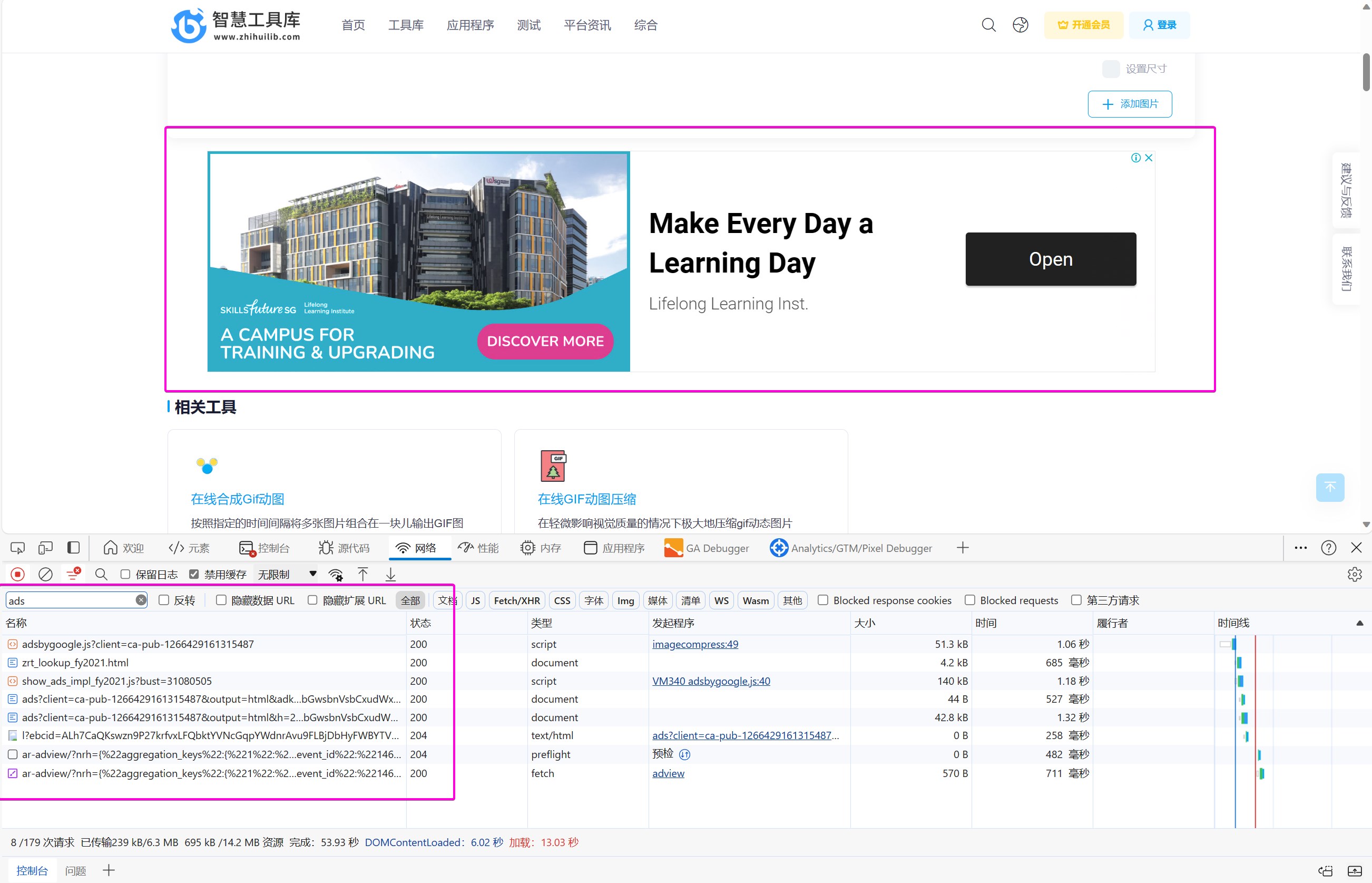
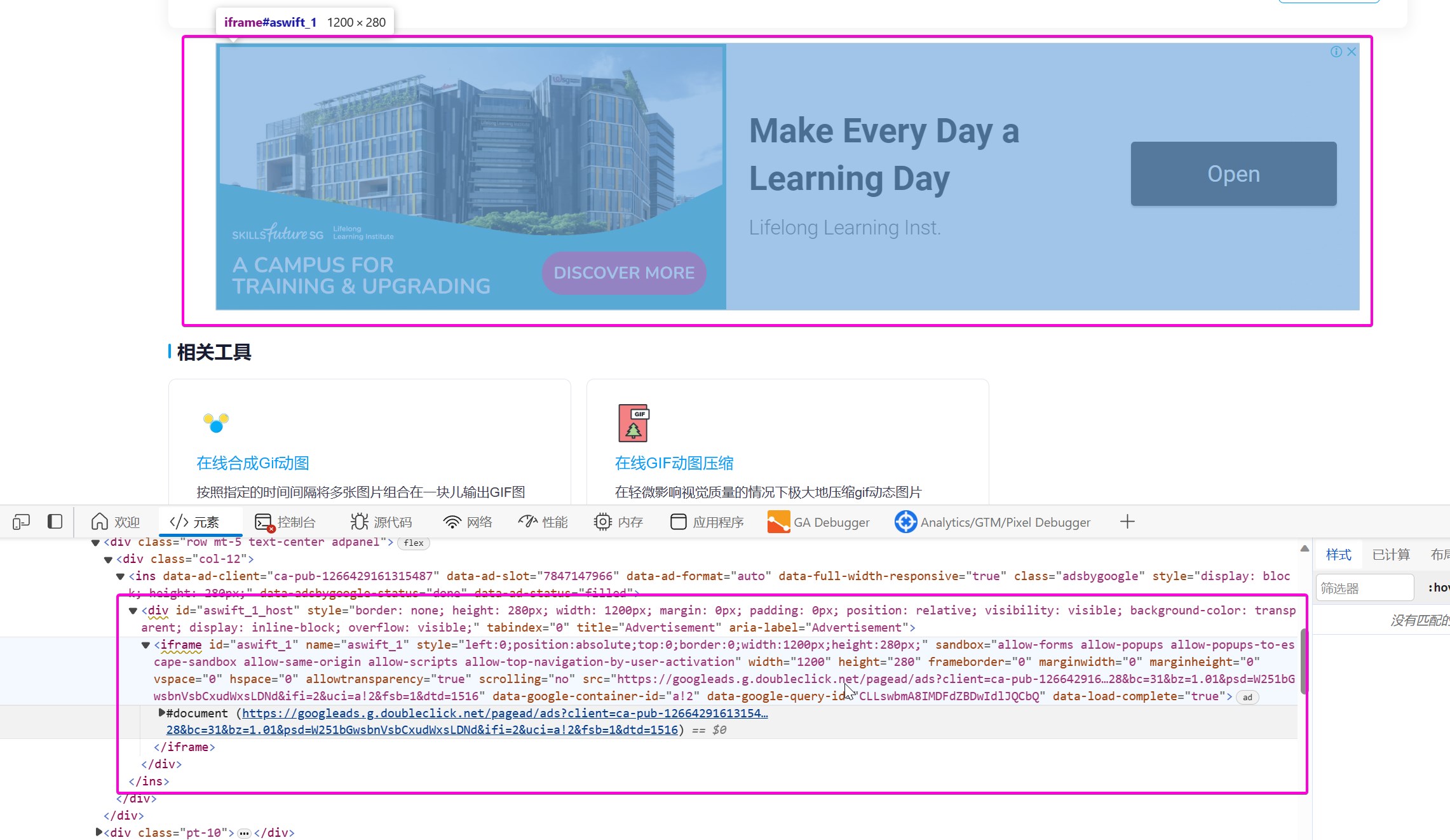
Test address: https://www.zhihuilib.com/article/detail/2/19
Test address: https://www.zhihuilib.com/article/list/2



 鄂公网安备 42010202002647号