









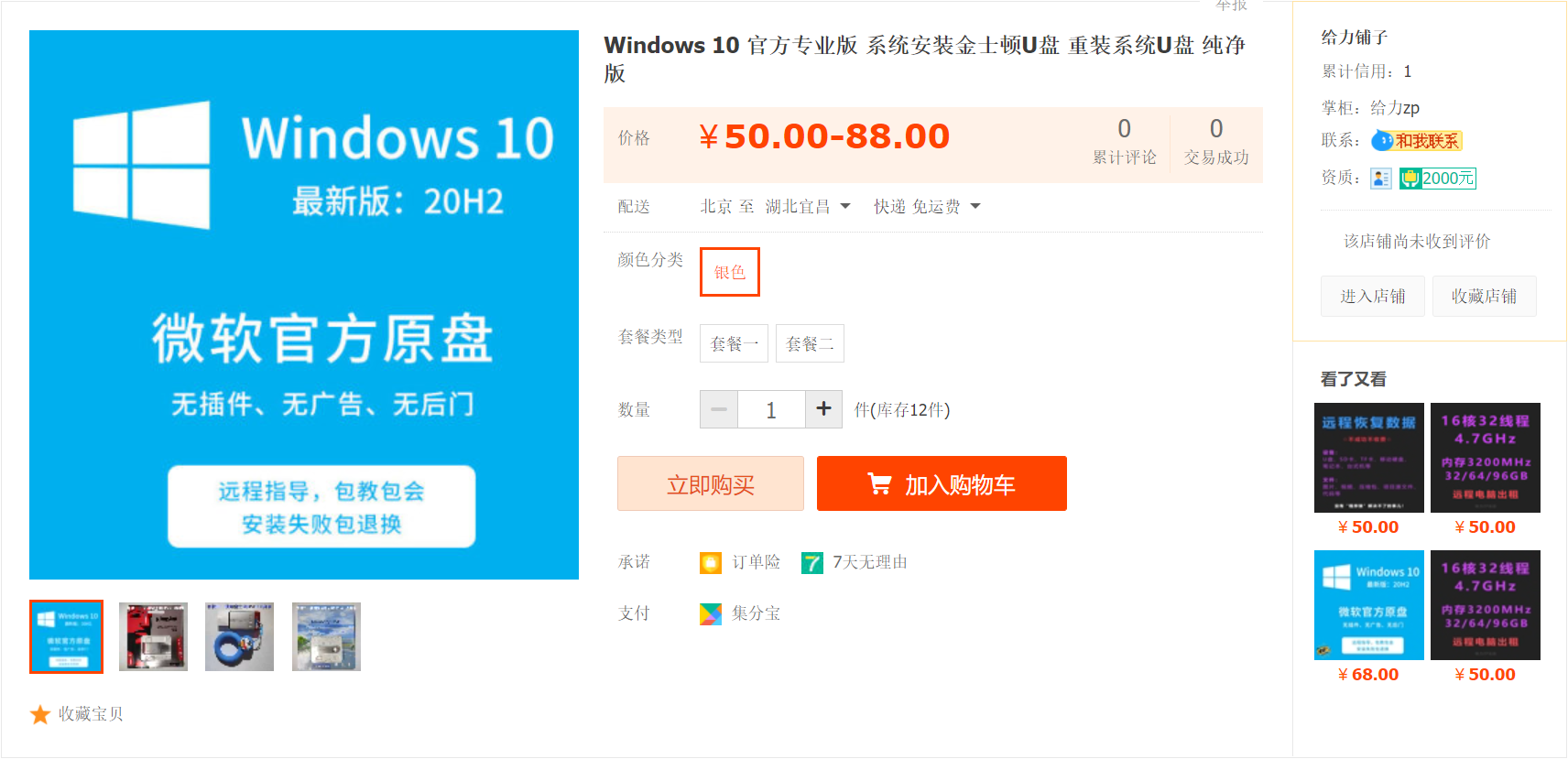
☆ ☆ ☆ Click the above figure to go to Taobao to purchase the installed USB flash drive ☆ ☆
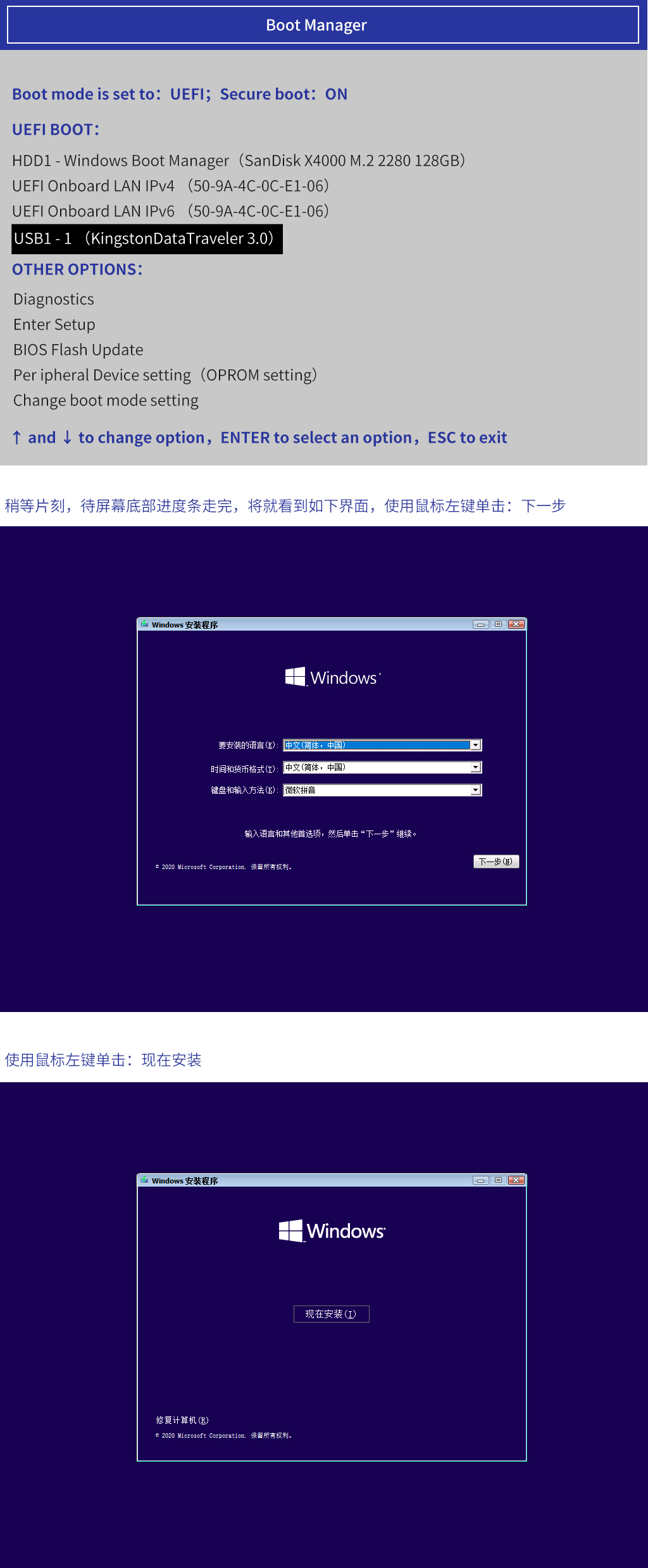
after pressing the computer startup button, hit a key of the keyboard continuously (depending on the brand, the key does not pass, see the table below) until the startup item selection interface appears, press the upper and lower direction keys of the keyboard to select "USB1-1(KingstonDataTraveler 3.0)", and press the keyboard Enter key to confirm.
[Startup Keyboard Hotkeys] Desktops are classified according to motherboards:
asus: F8, Shuangmin: ESC, Intel F12, Jijia: F12, Xiangsheng: F10, Jewell: ESC or F8, Microstar: F11, Elite: ESC or F11,
ming: F12, Yingtai: F9, Champion League: F11 or F12, Pan Ying: ESC, Mei Jie: ESC or F12, Hua Qing: F11, Pan Zheng: ESC,
rainbow: ESC or F11, Top Star: F11 or F12, Crown Inscription: F9, Foxconn: ESC or F12, Mingxuan: ESC, Jabo: ESC,
sparta: ESC, Yingtong: F8, Onda: F11
[Startup Keyboard Hotkeys] Brand machines are classified according to brands:
f12: Lenovo, Tsinghua Tongfang, Samsung, Acer, Gateway, IBM, eMachines, Thinkpad, Haier, Founder, Fujitsu, Toshiba,
Dell, Gigabyte, BenQ, Shenzhou,
f11: Microstar
ESC: ASUS
f9: HP, BenQ

 鄂公网安备 42010202002647号